Share session with the best multi-login tools and you solve two problems at once: your team stops passing around plaintext passwords, and everyone gets a clean, isolated browser profile instead of fighting over one shared login. In 2026, “sharing a session” no longer means emailing a password and hoping nobody gets flagged for a suspicious login — it means handing a teammate, freelancer, or client a working, authenticated browser environment without ever exposing the underlying credentials. This guide breaks down what session sharing actually is, which multi-login tools do it well, and exactly how to set it up with Send.win, including the native Desktop app and the Automation API that power teams now rely on.
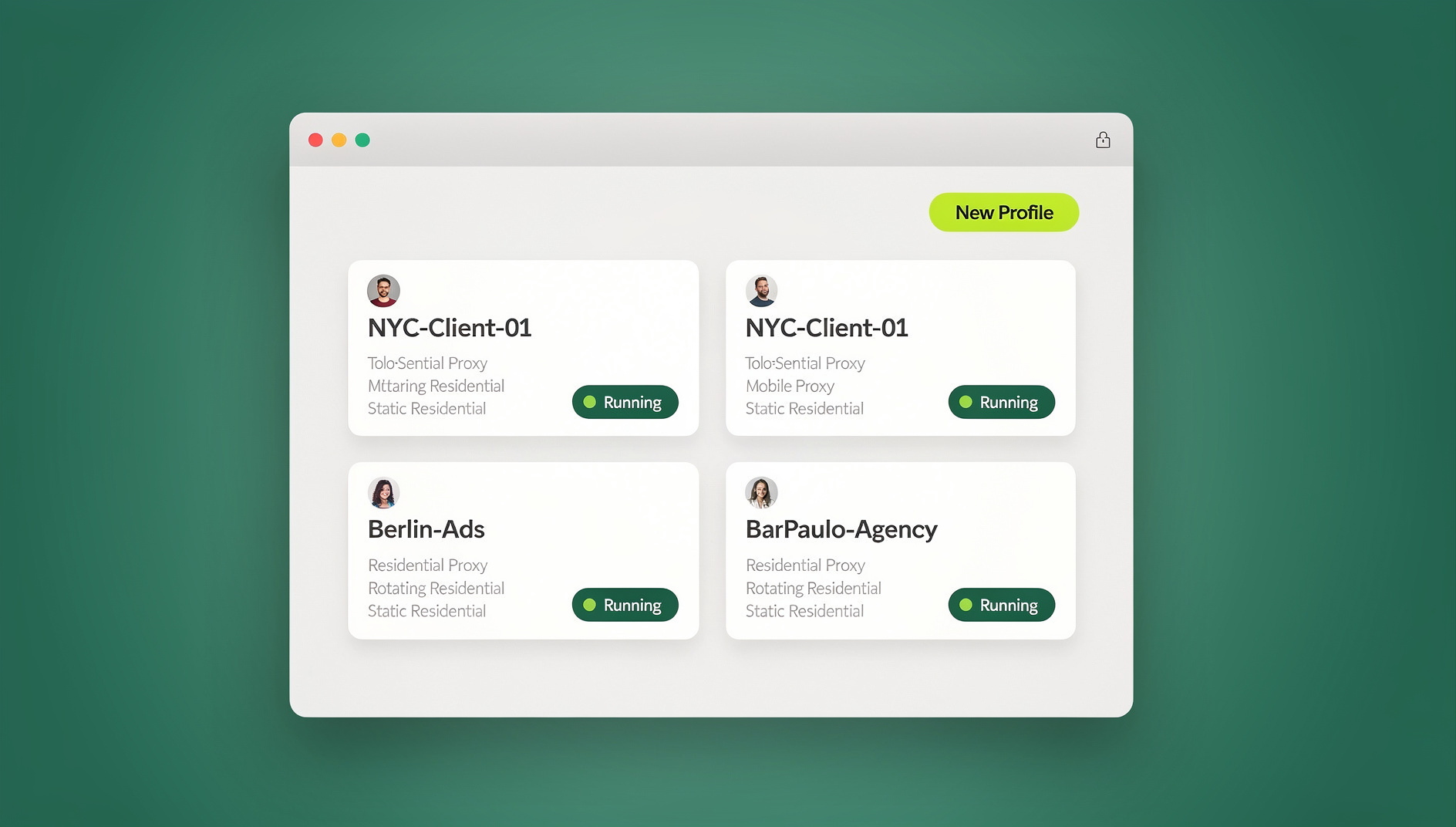
What Does It Mean to “Share a Session” (Not a Password)?
A browser session is the collection of cookies, local storage tokens, and login state that keeps you signed into a site without re-entering your password every time. When you “share a session,” you’re giving someone access to that authenticated state — inside an isolated browser profile — rather than handing them the raw username and password.
This distinction matters enormously for security and platform compliance. Most major platforms (Google, Meta, Amazon, banking portals) flag or lock accounts when the same password is entered from wildly different devices, IP addresses, or fingerprints in a short window. Session sharing through a proper multi-login browser avoids that entirely: the shared profile keeps a consistent, isolated fingerprint and (ideally) a matching proxy, so the platform sees one continuous, trusted session instead of a suspicious new login.
The best multi-login tools turn this into a one-click action — invite a teammate, assign them a profile or session, and revoke access instantly when they leave, all without ever exposing the password itself.
Why Password Sharing Is a Growing Business Risk
Spreadsheets of shared logins, sticky notes, and group chat password drops are still the default at a surprising number of agencies, e-commerce sellers, and marketing teams — and it’s a liability that compounds every time someone new joins the team. Consider what typically goes wrong:
- Account bans and suspensions — logging into the same account from different IPs, devices, and browser fingerprints is one of the most common triggers for automated fraud detection on ad platforms, marketplaces, and social networks.
- No audit trail — when five people share one password, nobody can tell who made a change, sent a message, or triggered a policy violation.
- Offboarding is painful — a departing employee or contractor who had the password can still log in until every shared credential is manually rotated.
- Credential leaks — passwords copied into chat apps, shared docs, or password managers with broad team access multiply the number of places a breach can originate.
- Two-factor authentication chaos — shared 2FA codes sent over Slack or SMS forwarding are slow, error-prone, and frequently locked out mid-shift.
A dedicated multi-login browser removes all five problems by replacing the password itself as the unit of access. Instead, access is granted at the profile or session level, with full logs and instant revocation.
What to Look for in a Multi-Login Tool Built for Session Sharing
Not every antidetect or multi-account browser actually supports clean session sharing — some are built purely for solo fingerprint isolation. Before you commit to a tool, check for these capabilities:
1. One-click session/profile sharing (no password exposure)
The core feature: you should be able to share a working profile with a teammate without them ever seeing the plaintext password.
2. Role-based permissions
Look for granular roles — view-only, edit, admin — so a freelancer can execute tasks without being able to change proxy settings, export cookies, or delete the profile.
3. Consistent fingerprint + proxy per profile
Sharing only works reliably if the fingerprint (canvas, WebGL, fonts, timezone, screen resolution) and the IP/proxy stay locked to that profile every time it’s opened — otherwise platforms will still flag the shifting environment as suspicious.
4. Instant revocation
When a contractor’s engagement ends, access should be revocable in seconds — not dependent on a password reset that also breaks the account for everyone else.
5. Team and agency plans with real seat management
Growing teams need centralized billing, seat-based pricing, and an admin dashboard that shows exactly who has access to what.
6. Native desktop app and automation support
Power users and agencies increasingly need a proper desktop client (not just a browser extension) plus API access for scripting profile creation, proxy assignment, and session handoffs at scale.
The Best Multi-Login Tools for Sharing Sessions in 2026
Here’s how the leading multi-login and antidetect browsers stack up specifically on session-sharing capability, not just general fingerprint masking.
| Tool | One-Click Session Sharing | Desktop App | Automation API | Team Seats | Starting Price |
|---|---|---|---|---|---|
| Send.win | Yes — password-free, revocable | Yes (Windows/macOS/Linux) | Yes (Team plan — Selenium/Puppeteer/Playwright) | Up to 16 (Team plan) | $19/mo (Pro) |
| Multilogin | Yes, via team workspaces | Yes | Yes (higher-tier plans) | Custom/enterprise | Higher entry tier |
| GoLogin | Limited — profile export/import | Yes | Yes (paid tiers) | Team add-on | Mid-range |
| Incogniton | Yes, cloud profile sync | Yes | Limited | Team add-on | Mid-range |
| AdsPower | Yes, via team member invites | Yes | Yes (RPA/API on higher plans) | Custom/enterprise | Mid-range |
| Kameleo | Limited — profile export | Yes | Yes (SDK-based) | Enterprise only | Higher entry tier |
| SessionBox (legacy) | Basic link sharing, largely discontinued | Extension-based, no dedicated app | No | No | N/A |
Send.win
Send.win is built around the concept of session and profile sharing as a first-class feature, not an afterthought. Every profile gets its own isolated fingerprint and built-in proxy, and sharing it with a teammate is a single click inside the dashboard — no password, no export file, no manual proxy re-entry on their end. It also ships a native Desktop app for Windows, macOS, and Linux, and the Team plan includes an Automation API that plugs directly into Selenium, Puppeteer, and Playwright for teams that need to script profile creation or session handoffs at scale. If you’re specifically comparing it against the incumbent, this Send.win vs SessionBox comparison is worth reading, since SessionBox’s own sharing feature has been quietly fading.
Multilogin
One of the longest-standing antidetect browsers, Multilogin supports team workspaces where profiles can be shared among members, with solid fingerprint spoofing underneath. It’s a capable option, though its team-sharing UX and pricing tend to skew toward larger, established teams rather than solo operators or small agencies just getting started.
GoLogin
GoLogin covers the fingerprinting fundamentals well but its session-sharing flow leans more on profile export/import than true one-click invites, which adds friction when you’re rotating access frequently across a growing team.
Incogniton
Incogniton offers cloud-synced profiles that can be shared across a team, with a reasonably approachable interface for smaller teams — though its automation/API surface is thinner than the Team-plan tooling found in more automation-focused competitors.
AdsPower
Popular with ad-buying and e-commerce teams, AdsPower supports member invites at the workspace level and has RPA/automation features on its higher tiers, making it a reasonable fit for larger ad operations that need both sharing and scripting.
Kameleo
Kameleo is strong on the fingerprinting/SDK side for developers building custom automation, but its team-sharing features are less consumer-friendly and tend to require enterprise-tier plans to unlock properly.
SessionBox (legacy)
SessionBox popularized lightweight session-link sharing years ago, but active development and feature parity with modern multi-login tools have slowed considerably, leaving a gap that newer, fingerprint-aware tools like Send.win have stepped into.
How to Share a Session in Send.win (Step-by-Step)
Here’s the actual workflow for sharing a session or profile with a teammate in Send.win, whether they’re a full-time employee or a short-term contractor.
- Create or open the profile you want to share. Log in via the team browser dashboard on web, or launch the native Desktop app on Windows, macOS, or Linux.
- Open the profile’s sharing settings. Every profile has a dedicated “Share” action that generates access without exposing the underlying password or cookie file.
- Invite by email and assign a role. Choose whether the invited teammate gets full access, edit-only, or view-only permissions.
- Confirm the proxy and fingerprint stay locked. Send.win automatically keeps the same IP and browser fingerprint attached to that profile every time it’s opened, by anyone with access — this is what keeps the platform from flagging the session as a new login.
- Let your teammate launch it instantly. They open the shared profile from their own Send.win account (web or desktop) and land in an already-authenticated session — no password entry required.
- Revoke access the moment it’s no longer needed. One click removes that teammate’s access to the profile without touching anyone else’s, and without needing to rotate the real password.
- Automate the workflow at scale (Team plan). If you’re managing dozens or hundreds of shared sessions — agencies, ad-buying teams, QA departments — the Automation API lets you script profile creation, sharing, and rotation directly through Selenium, Puppeteer, or Playwright instead of clicking through the dashboard manually.
For a broader walkthrough of the same feature with screenshots, see the official Sendwin tutorial on sharing sessions to a team.
Pricing: What These Tools Cost for Team Session Sharing
Pricing is often the deciding factor once the feature checklist is settled. Send.win keeps this simple and transparent:
- 30-day free trial — no credit card required.
- Pro plan: $19/mo — ideal for solo operators and small teams needing isolated profiles and basic sharing.
- Team plan: $49/mo — adds expanded seats, more proxy bandwidth, and the Automation API (Selenium/Puppeteer/Playwright support) for scripted, at-scale session management.
Most competing antidetect browsers price their team/enterprise tiers noticeably higher once you factor in the number of seats and proxy bandwidth needed to match what Send.win includes at the Pro and Team levels — worth confirming directly with each vendor since pricing structures shift throughout the year.
Common Use Cases for Multi-Login Session Sharing
Session sharing through a proper multi-login tool solves recurring headaches across a range of teams:
- Digital marketing agencies running dozens of client ad accounts need to hand off Facebook, Google, and TikTok Ads sessions to specialists without ever touching the client’s actual password.
- E-commerce sellers operating multiple storefronts on Amazon, eBay, Etsy, or Shopify need to delegate day-to-day account management to VAs while keeping each store’s session isolated and unbanned.
- Remote and distributed teams need to onboard and offboard contractors quickly, revoking access the same day a contract ends rather than waiting on a password rotation cycle.
- QA and testing teams need to reproduce a logged-in state across multiple testers without distributing the real account credentials.
- Social media managers juggling client accounts across Instagram, LinkedIn, and X need a clean handoff process that doesn’t trigger suspicious-login security checks on the client’s account.
Security Best Practices When Sharing Sessions
Even with a purpose-built tool, a few habits keep session sharing genuinely secure:
- Use role-based access by default. Default new invites to the least-privileged role and upgrade only when necessary.
- Audit access quarterly. Review who currently has access to which shared profiles and remove anyone who no longer needs it.
- Keep proxies dedicated per profile. Rotating IPs on a shared session is one of the fastest ways to trigger a platform’s fraud detection.
- Pair session sharing with 2FA where the platform supports it. A shared session doesn’t have to mean skipping two-factor entirely — many tools support keeping 2FA on the account owner’s device.
- Log offboarding as a standing procedure, not an afterthought — revoke access the same day a contractor or employee departs.
🏆 Send.win Verdict
If you need to share sessions with a team without ever handing over a real password, Send.win is the most complete option in this comparison — one-click sharing with role-based permissions, a locked fingerprint-plus-proxy per profile, a native Desktop app for Windows/macOS/Linux, and an Automation API on the Team plan for scripting handoffs across Selenium, Puppeteer, or Playwright. It combines the fingerprint isolation of an antidetect browser with the access control of a proper team tool, at a fraction of the price of enterprise-only competitors.
Try Send.win free today — start your 30-day free trial, no credit card required, and share your first session in minutes.
Frequently Asked Questions
What is the difference between sharing a session and sharing a password?
Sharing a password gives someone the raw login credentials, which they can use from any device or location — often triggering platform security flags. Sharing a session gives them access to an already-authenticated, isolated browser profile without ever exposing the actual password, and access can be revoked instantly without changing the password for everyone else.
Can I share a session without the recipient seeing the password?
Yes. Tools like Send.win generate an invite that grants access to the profile itself — the password stays hidden from the invited teammate at all times.
Will sharing a session get an account flagged or banned?
It depends on the tool. Sharing raw login credentials across different devices and IPs is a common ban trigger. Sharing through a multi-login browser that locks a consistent fingerprint and proxy to that profile avoids the shifting-environment signals that typically cause flags.
Do I need a desktop app, or does a browser extension work with Send.win?
Send.win doesn’t offer a browser extension. It works two ways instead: as a native Desktop app for Windows, macOS, and Linux, or as a cloud browser session you can run entirely online with zero local install — pick whichever fits how you work.
What is the Automation API used for?
The Automation API lets developers and agencies script profile creation, proxy assignment, and session sharing/rotation programmatically, using standard automation frameworks like Selenium, Puppeteer, and Playwright. It’s included on Send.win’s Team plan and is aimed at teams managing sessions at scale rather than one profile at a time.
How quickly can I revoke a shared session?
With a proper multi-login tool, revocation is instant — removing one teammate’s access to a specific profile takes one click and doesn’t affect anyone else’s access or require a password reset.
Is session sharing safe for e-commerce accounts like Amazon or Shopify?
Yes, provided the tool keeps a consistent fingerprint and dedicated proxy attached to each store’s profile. This is exactly the setup multi-login browsers are designed for, and it’s why many multi-account sellers rely on them instead of raw password sharing.
How much does Send.win cost for team session sharing?
Send.win offers a 30-day free trial with no credit card required. The Pro plan is $19/mo, and the Team plan is $49/mo, which adds expanded seats and the Automation API for Selenium, Puppeteer, and Playwright.
What happens when a contractor’s engagement ends?
You simply revoke their access to the shared profile from the dashboard or Desktop app — no password changes needed, and no disruption to any other teammate still using that same profile.